Your calendar selection
Choose which Apple Calendars to show and keep personal and work events in view.
 myWeek
Your personal companion for everyday life
myWeek brings your Apple Calendar together with reminders, weather, monthly reports and helpful everyday tools – in one clear app for iPhone, iPad and your Home Screen.
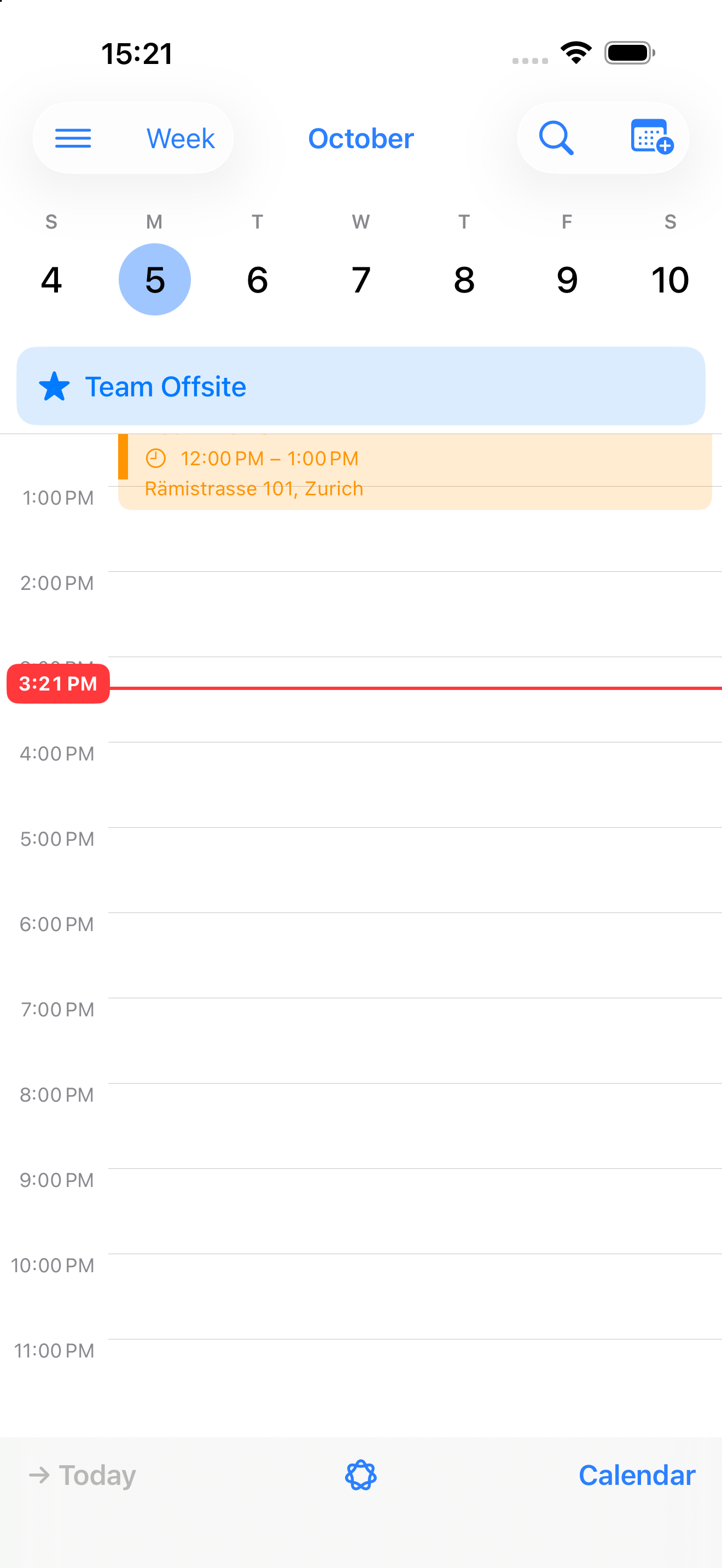
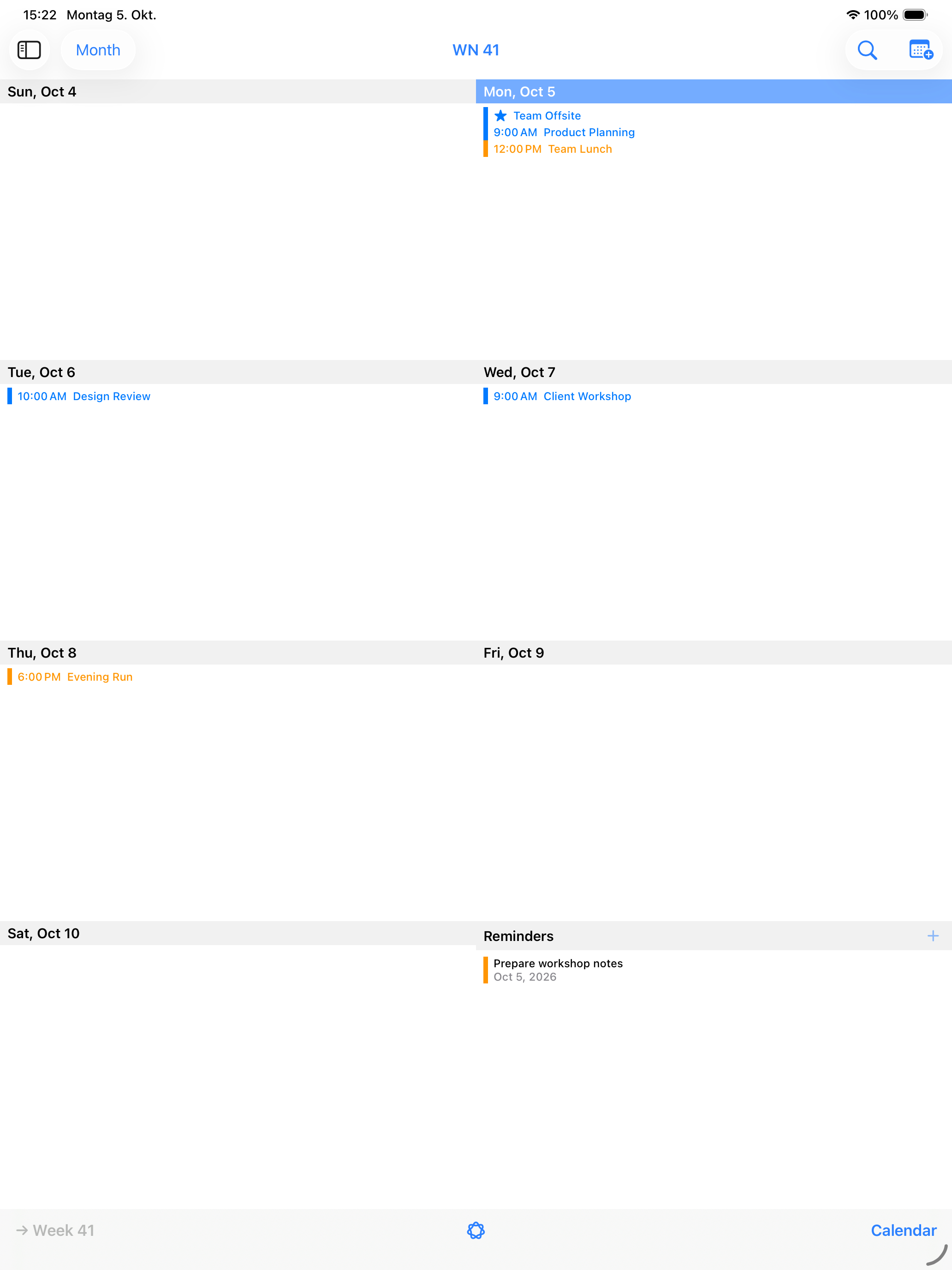
Since 2009, myWeek has brought a weekly overview to iPhone – at a time when the original iOS Calendar did not offer one, in both portrait and landscape.
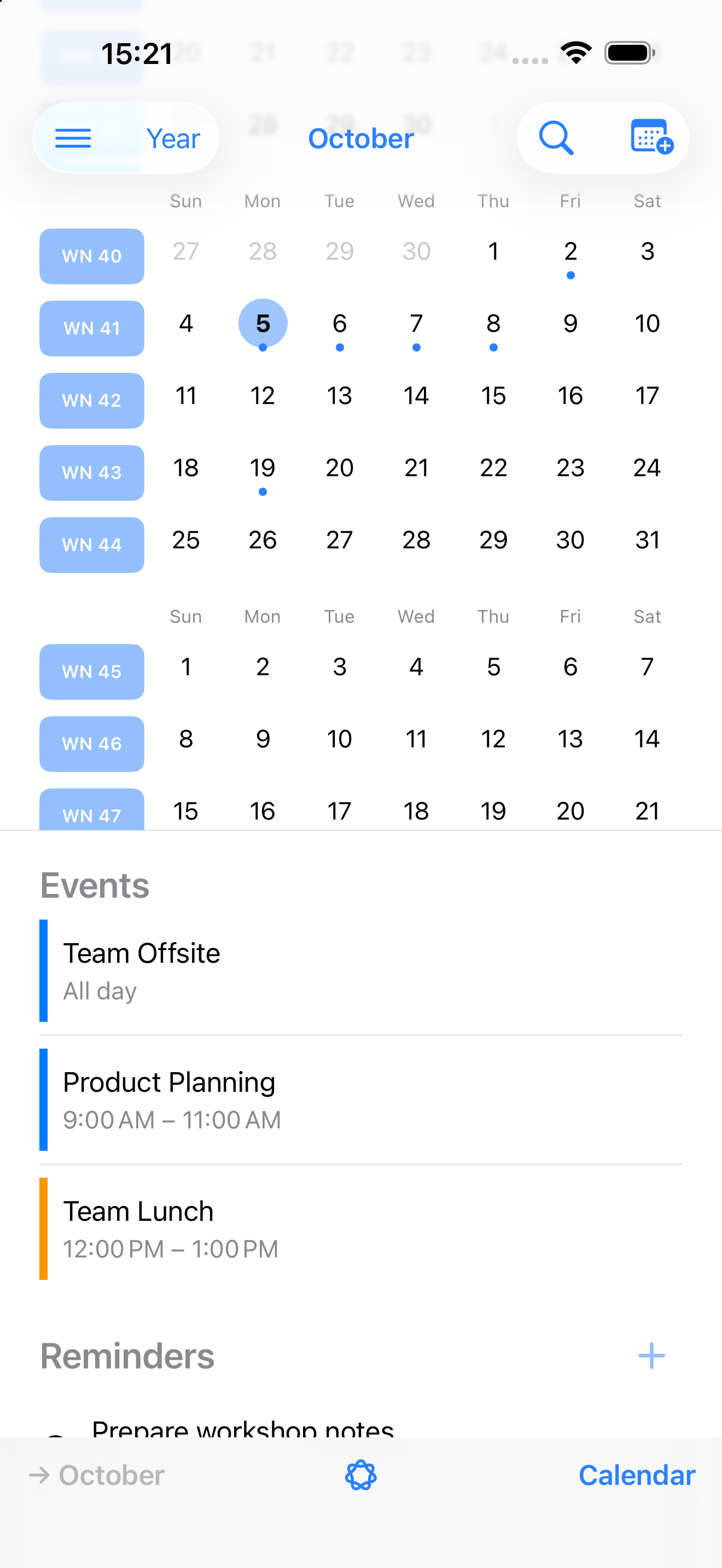
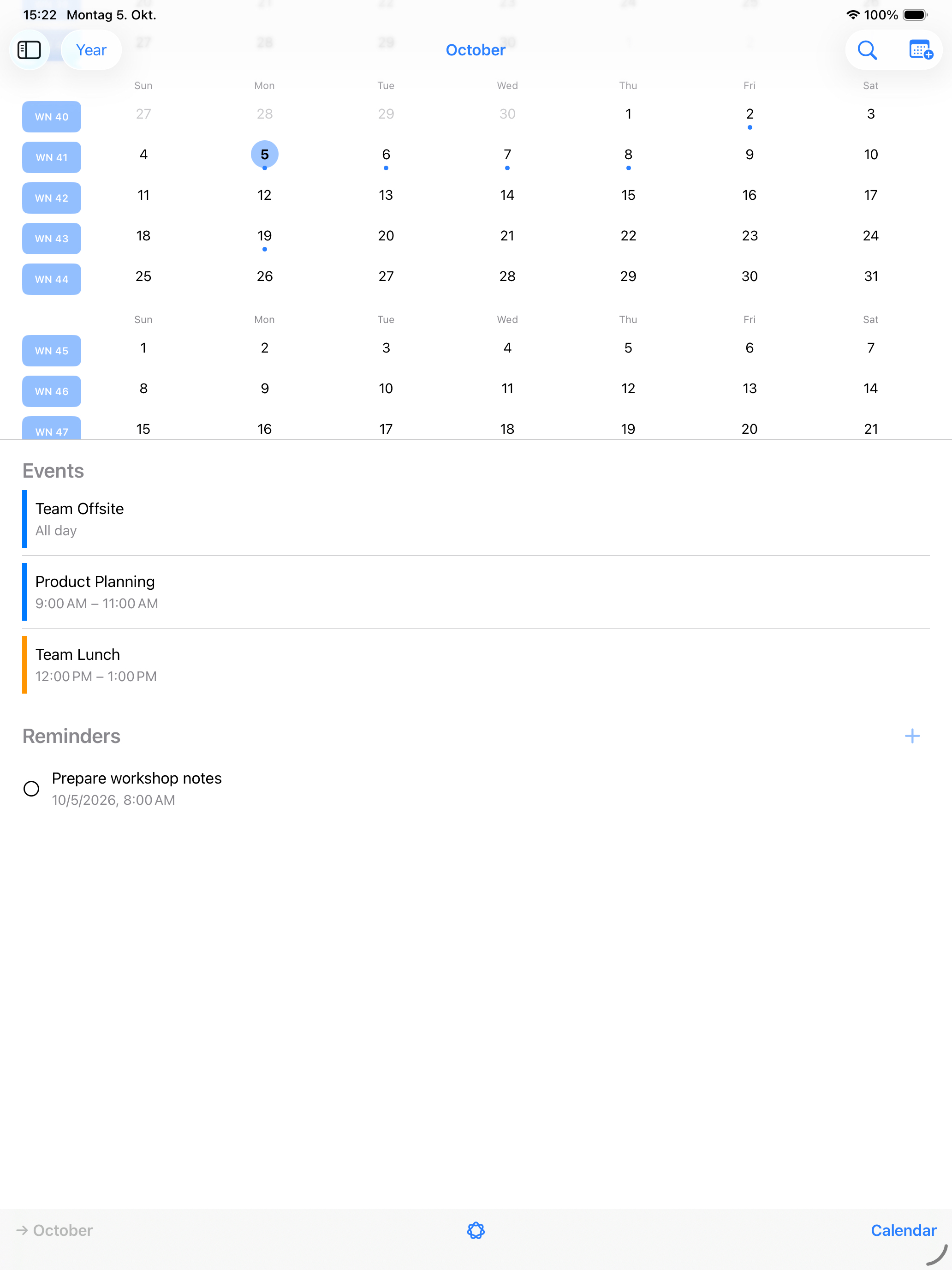
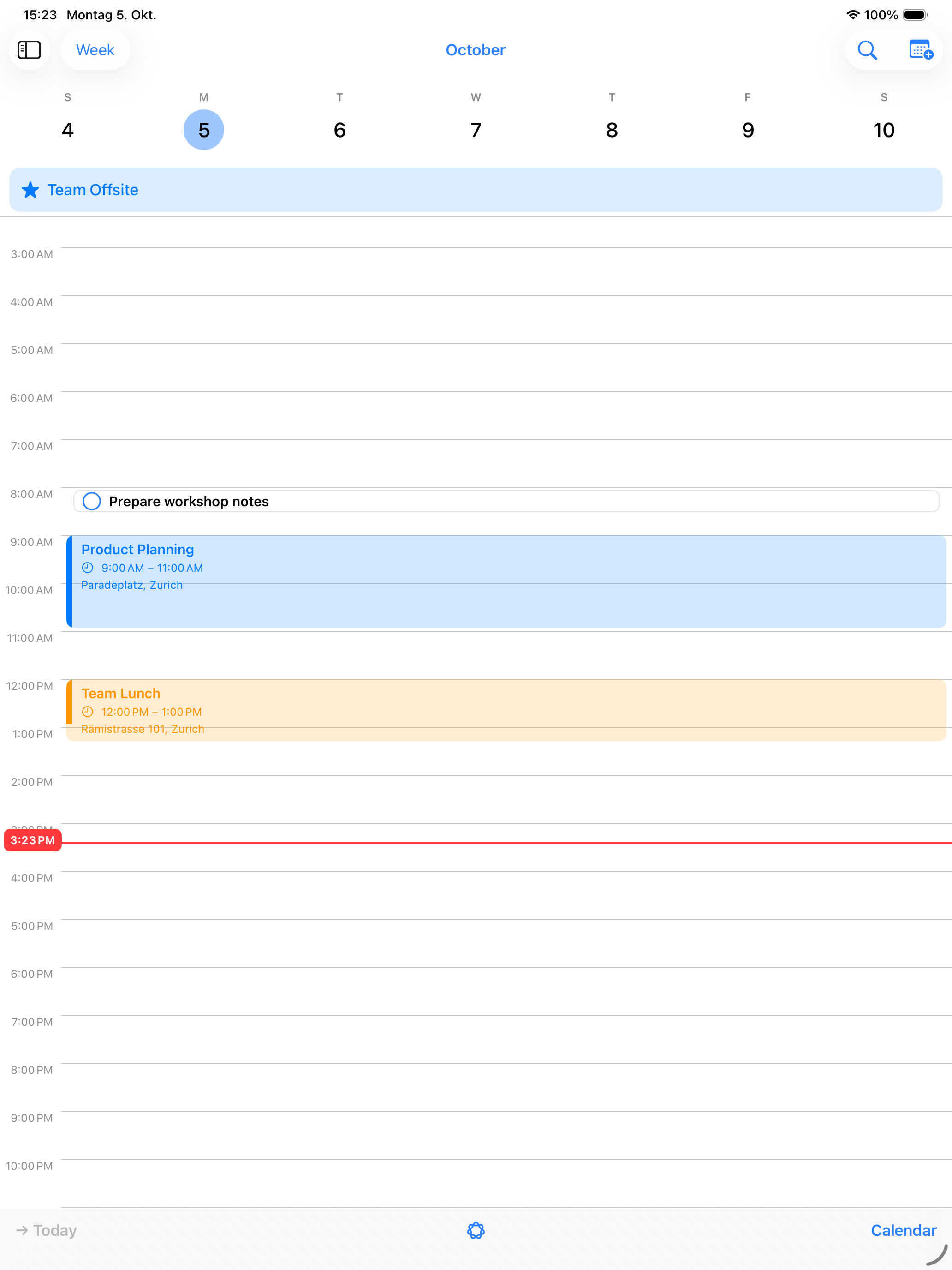
Show the Apple Calendars that matter to you and switch between year, month, week and day views. Events, reminders and birthdays stay visible where they help in everyday life.
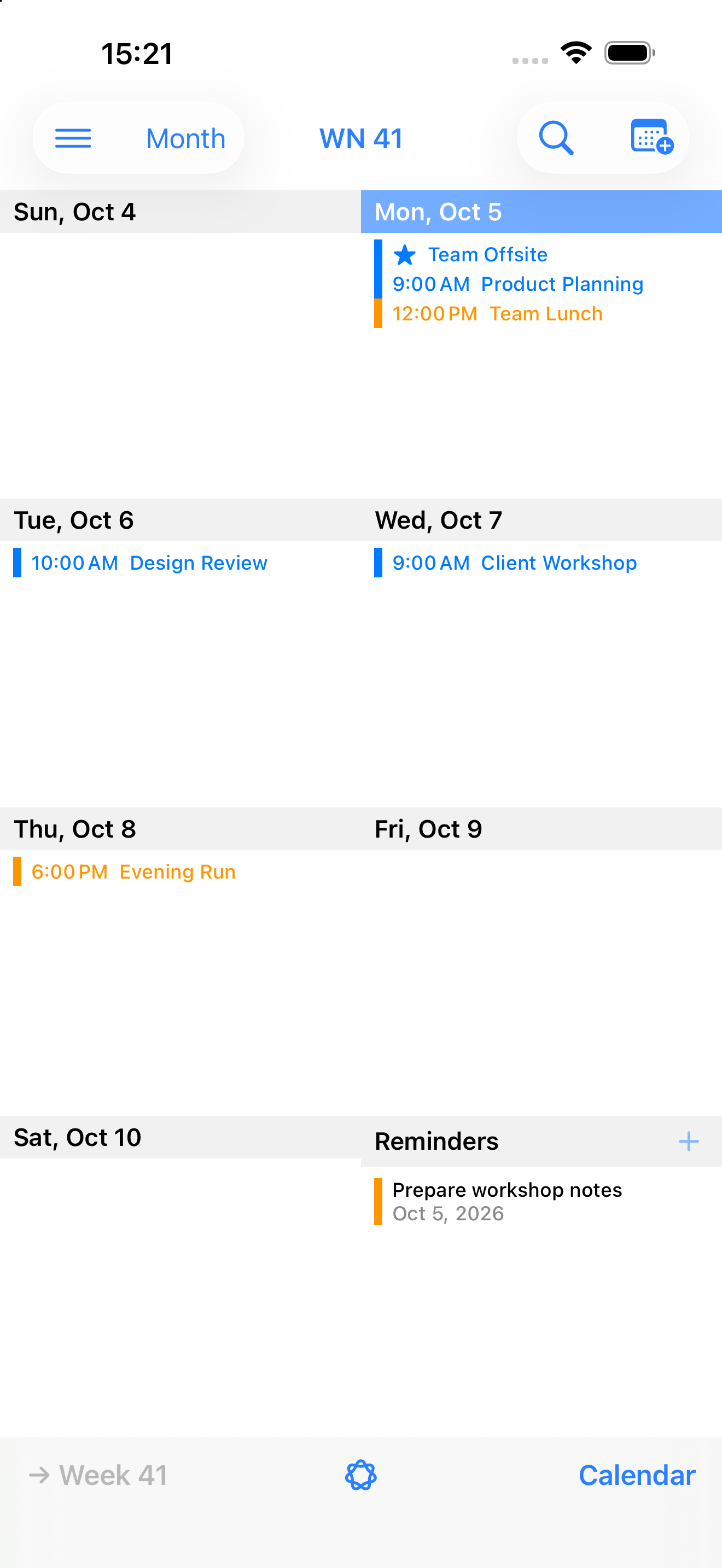
Choose which Apple Calendars to show and keep personal and work events in view.
Due reminders complement your daily and weekly plan right alongside events.
Create and edit events with the familiar Apple Calendar features.
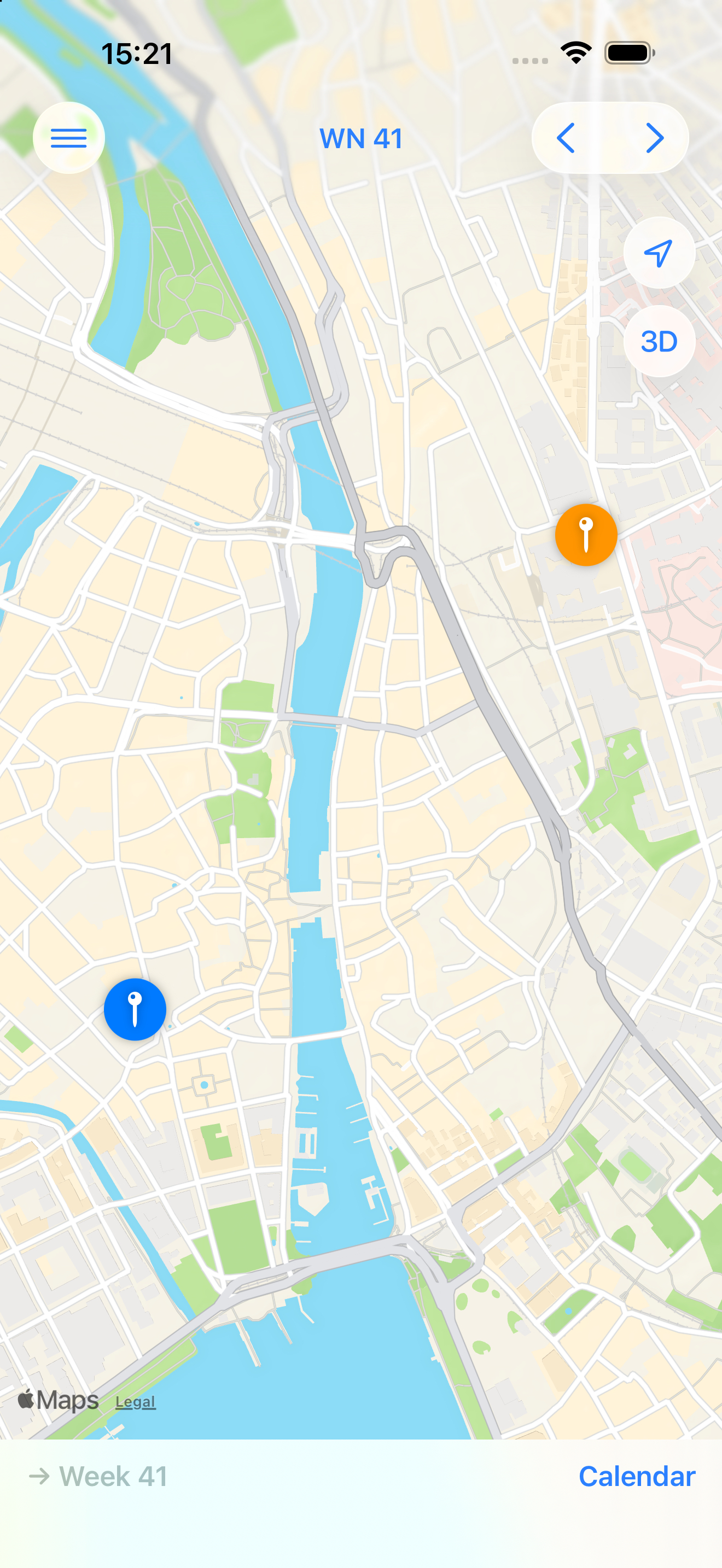
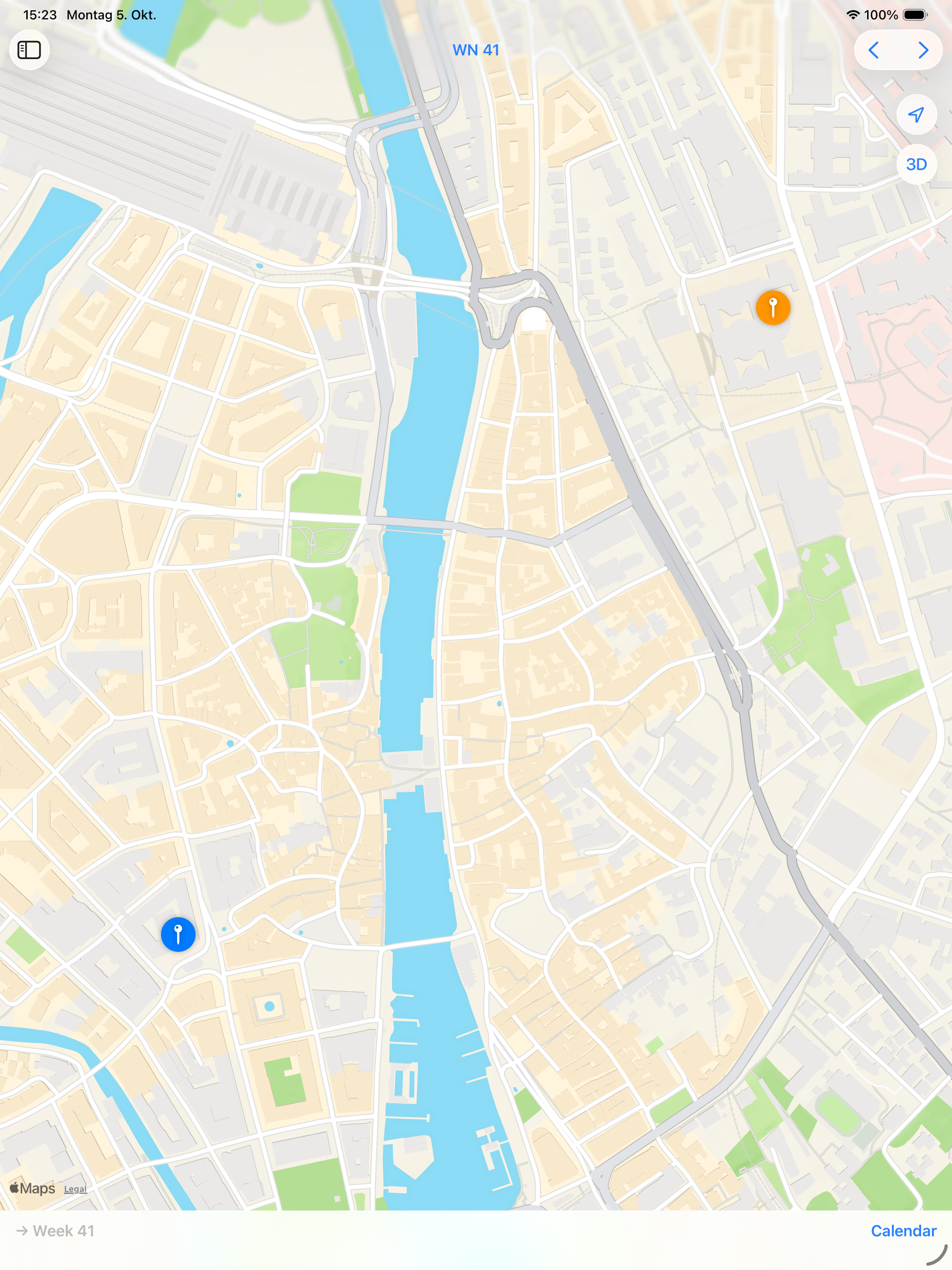
Discover locations from events in the selected week on a map and open them in Apple Maps when you need to.
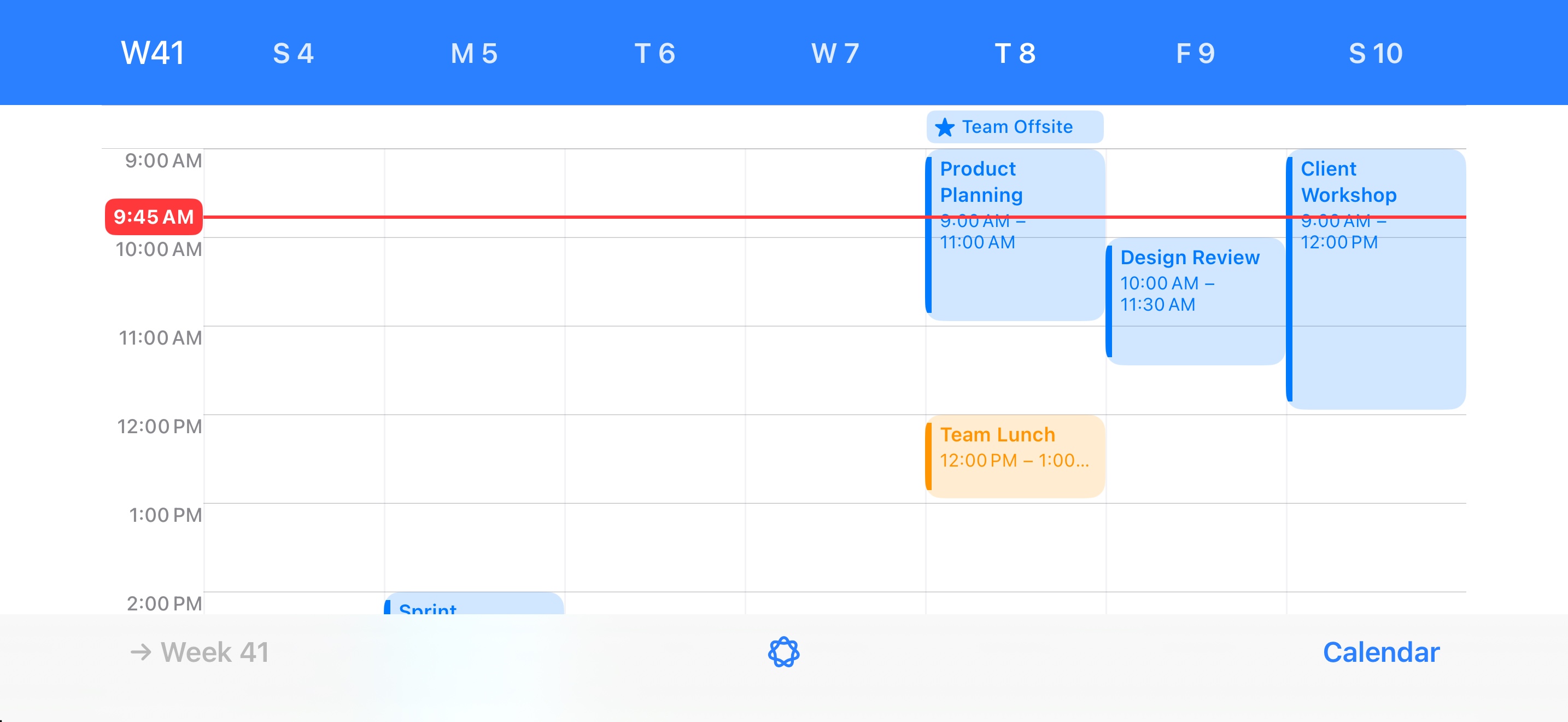
myWeek first brought a seven-day overview to iPhone when the original iOS Calendar did not offer one. In landscape, every day gets an hourly timeline, so a whole week stays easy to scan.
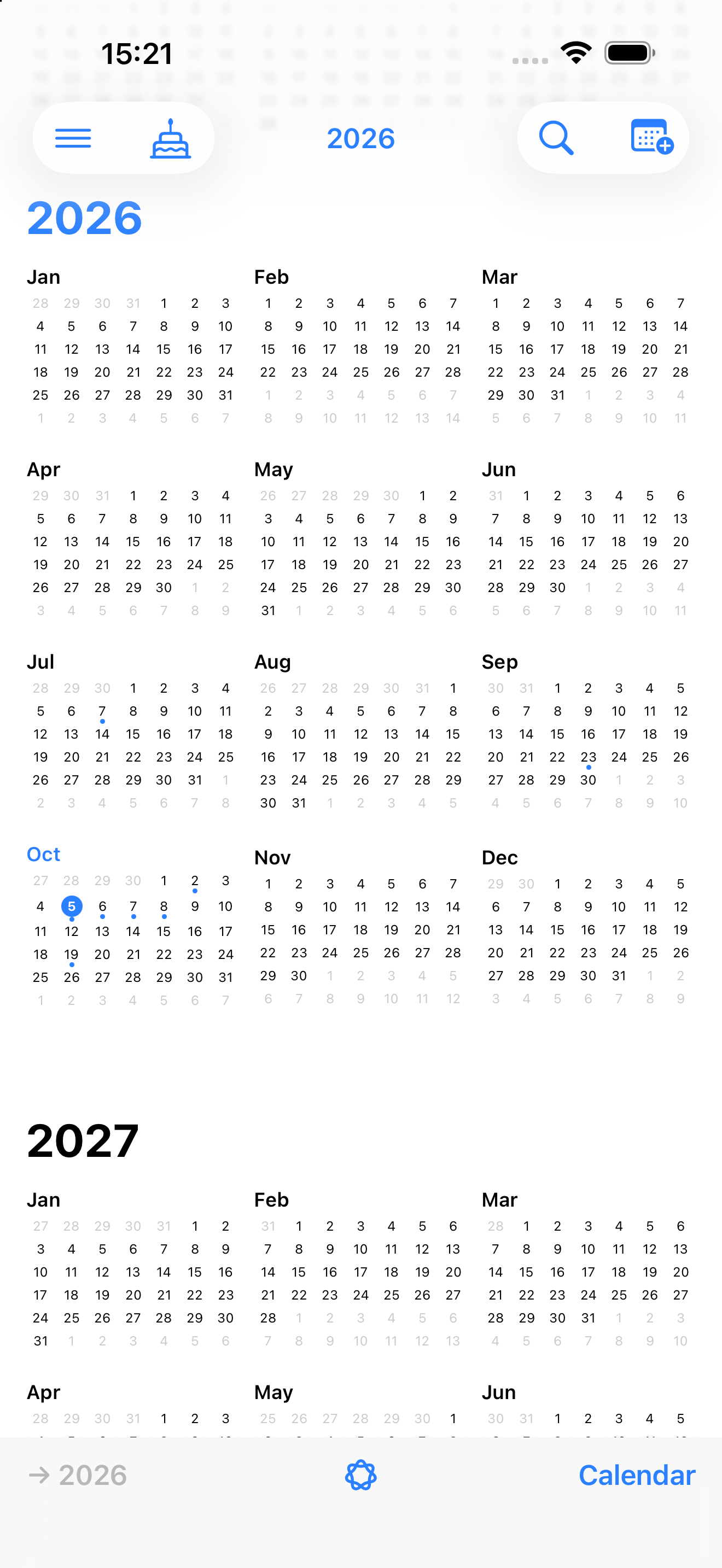
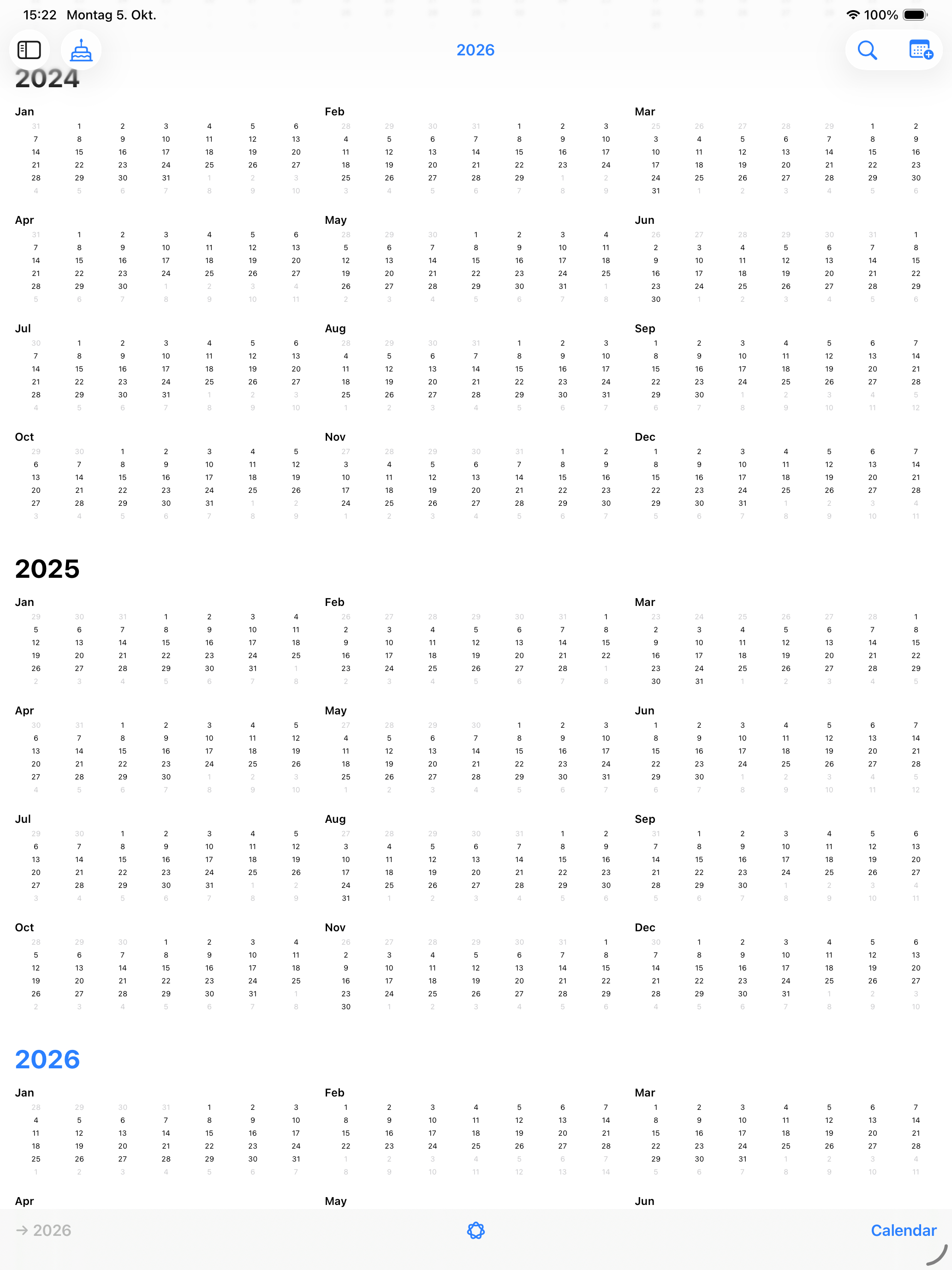
From a quick look at the year to a detailed daily plan: myWeek makes your calendar data easy to understand, without reinventing it.
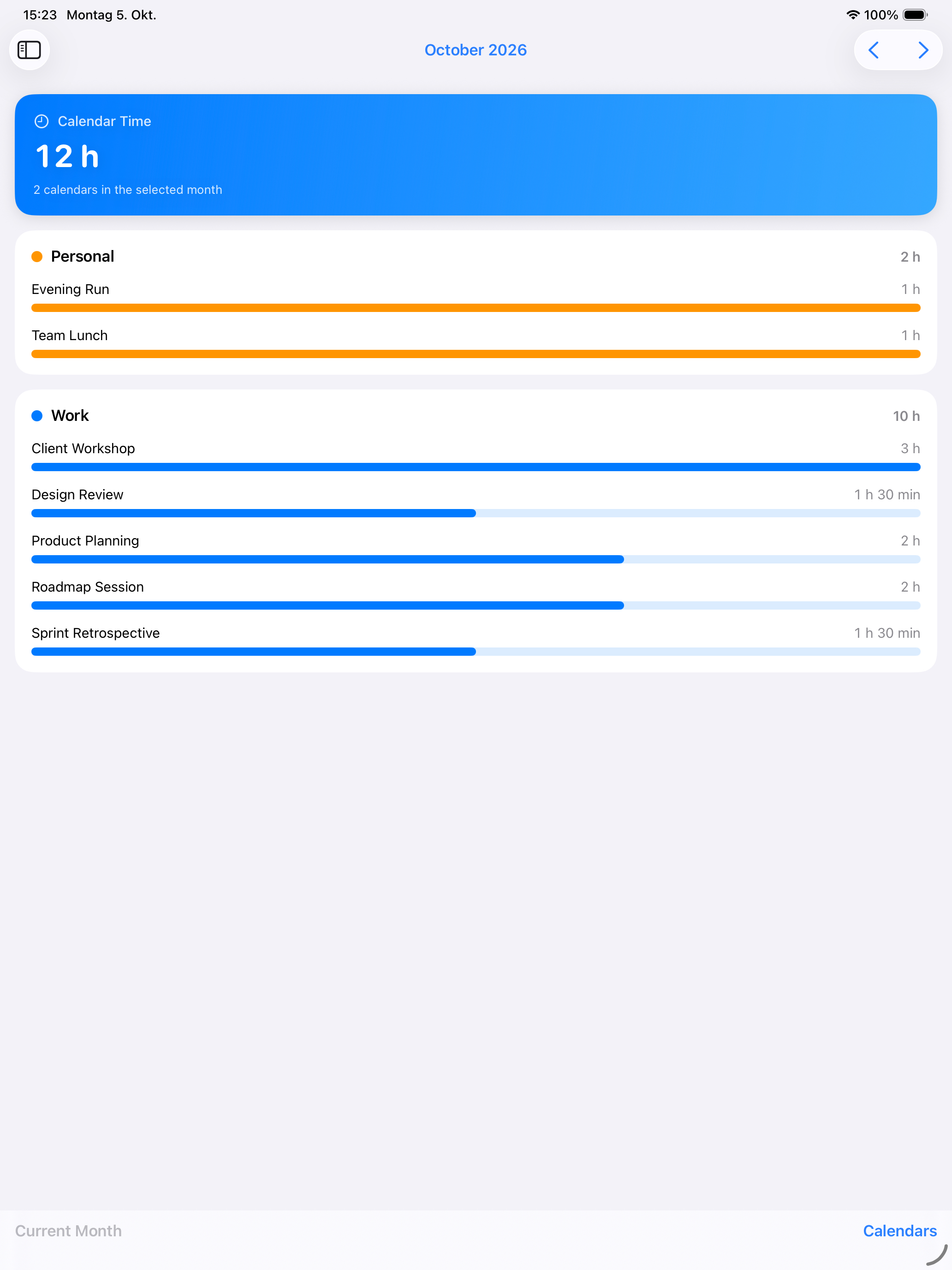
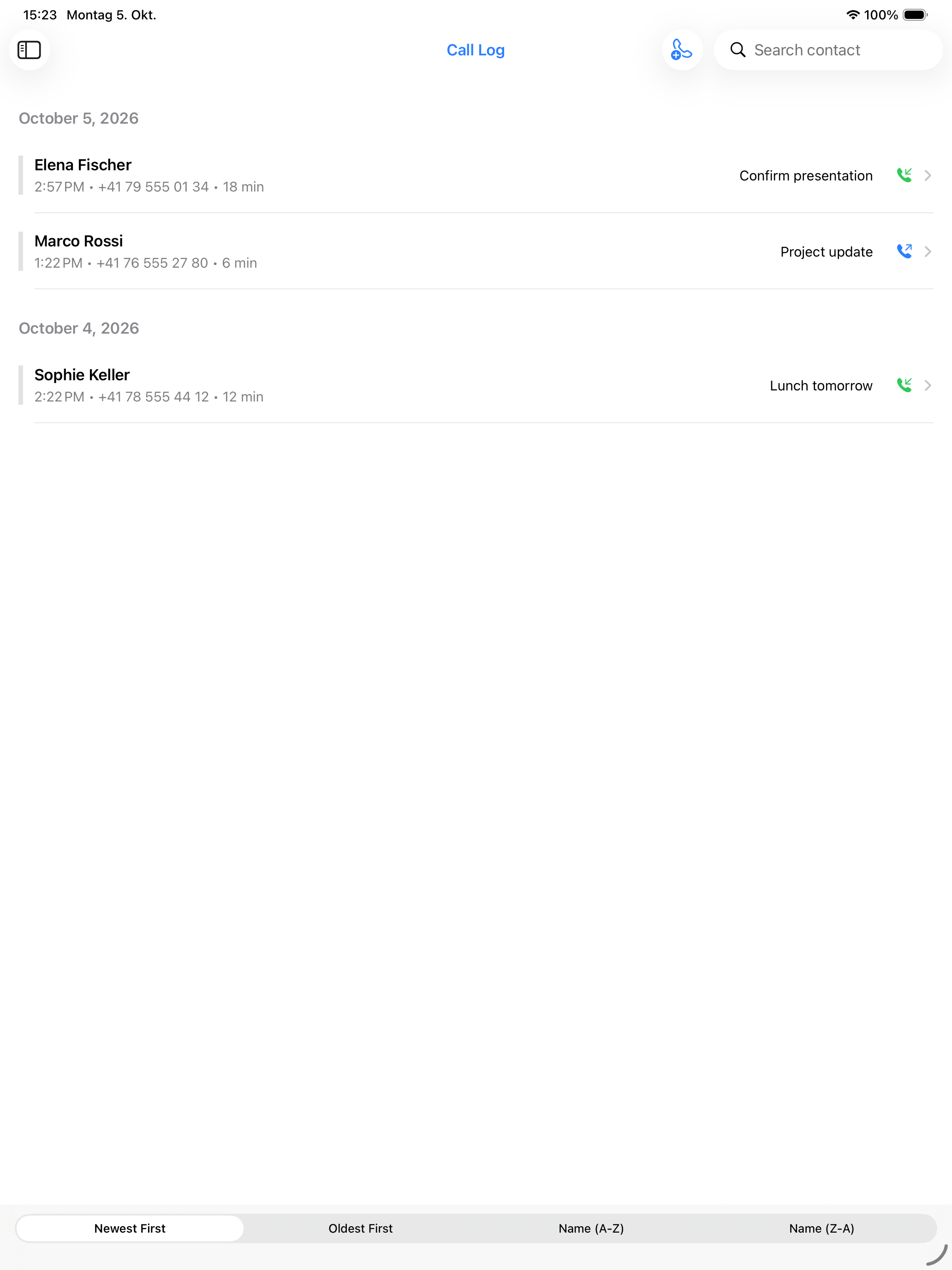
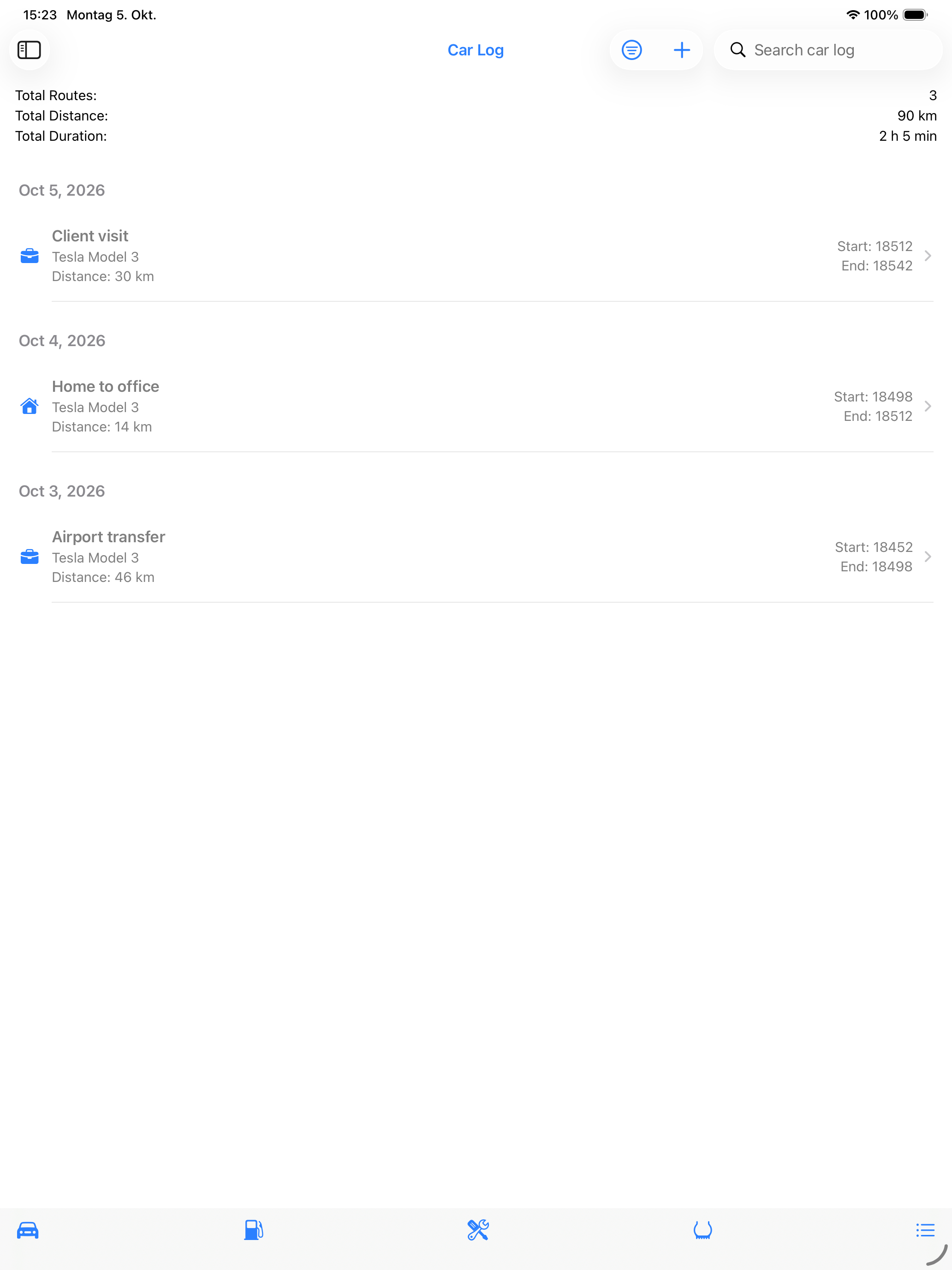
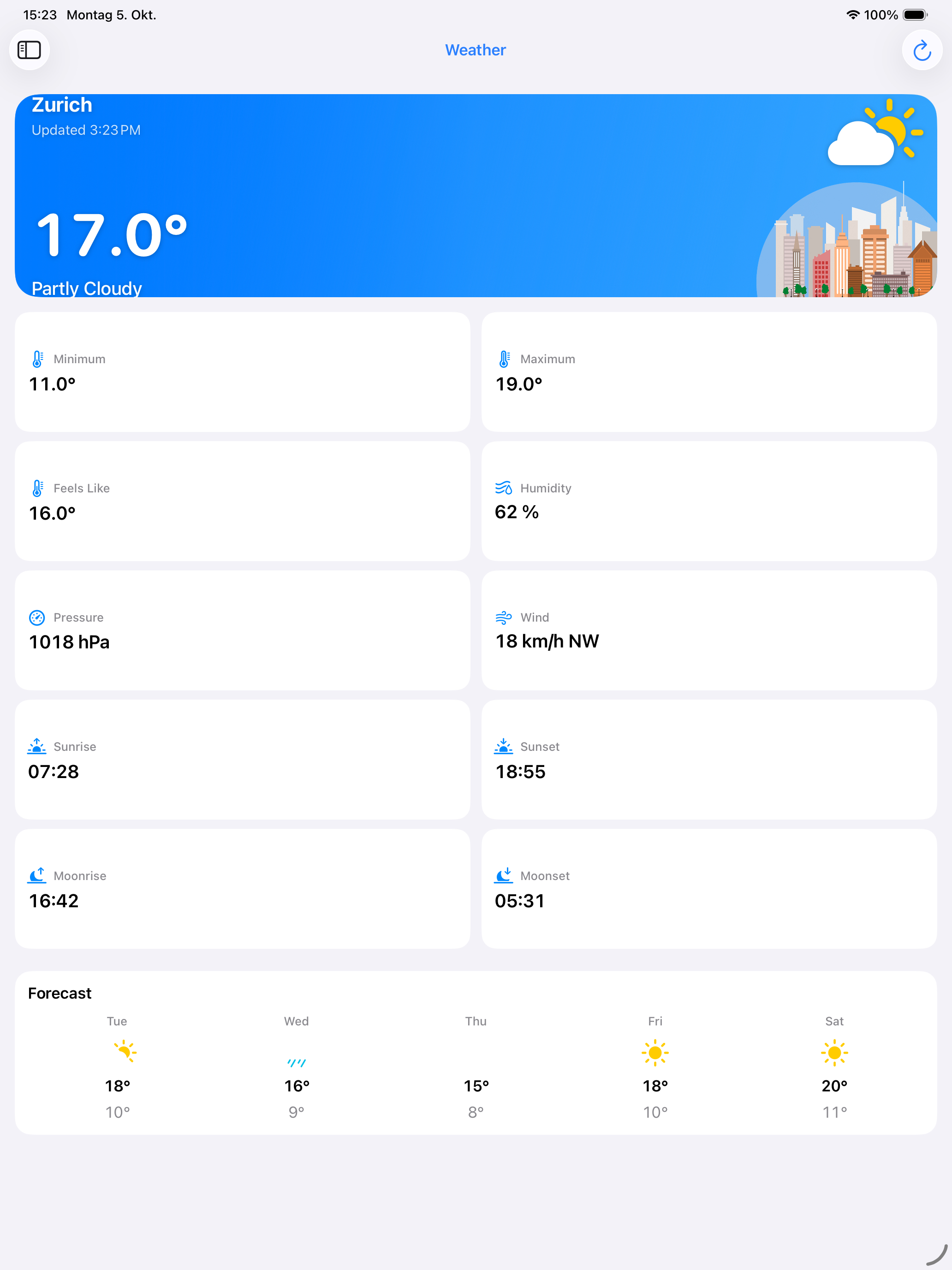
myWeek is adapted for the larger iPad display, giving calendar views, maps, reports and everyday tools more room while keeping the familiar experience of the iPhone app.
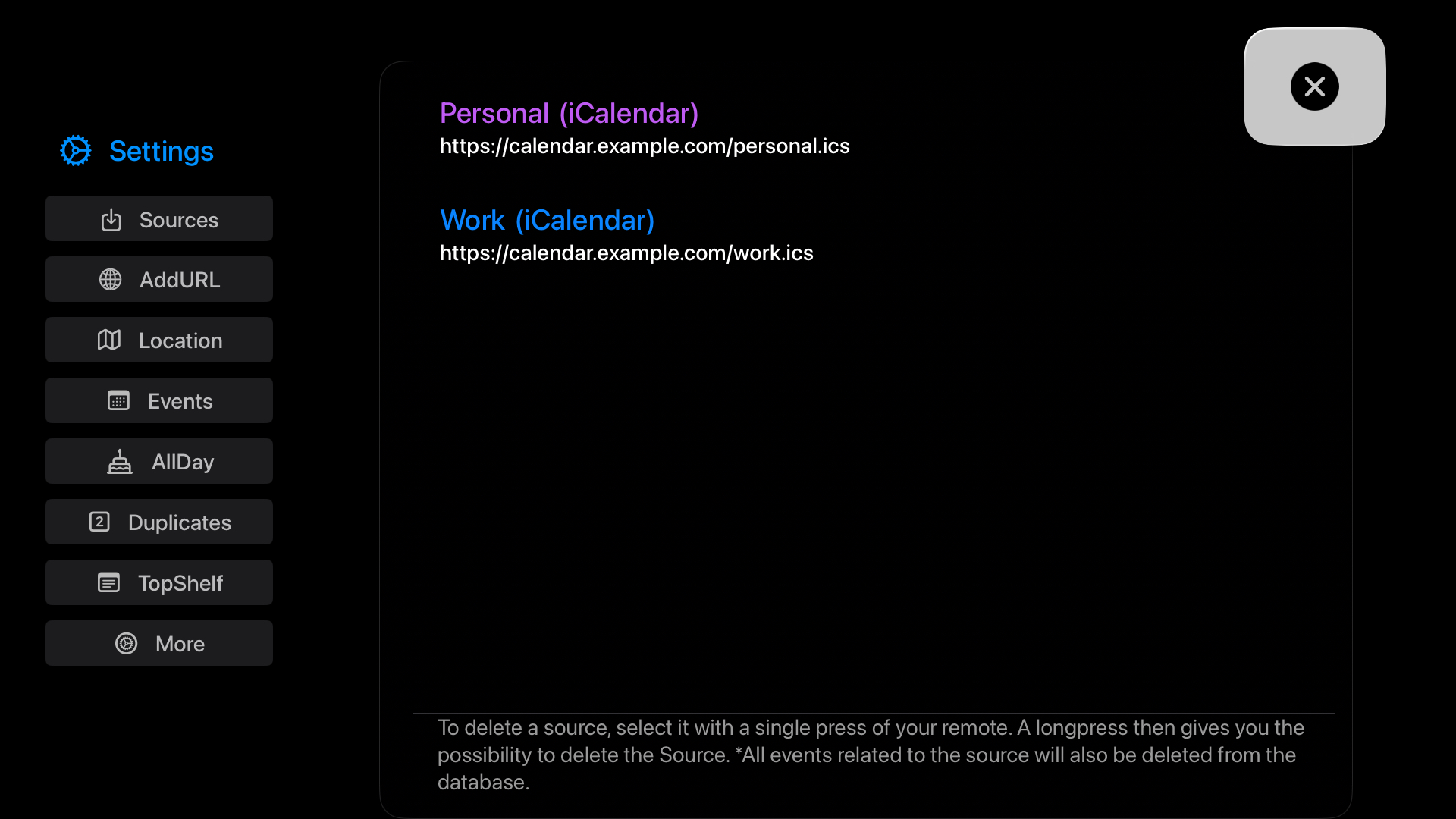
myWeek for Apple TV brings your weekly schedule, weather forecast and calendar sources to the largest screen in your home or office.
Get myWeek for Apple TV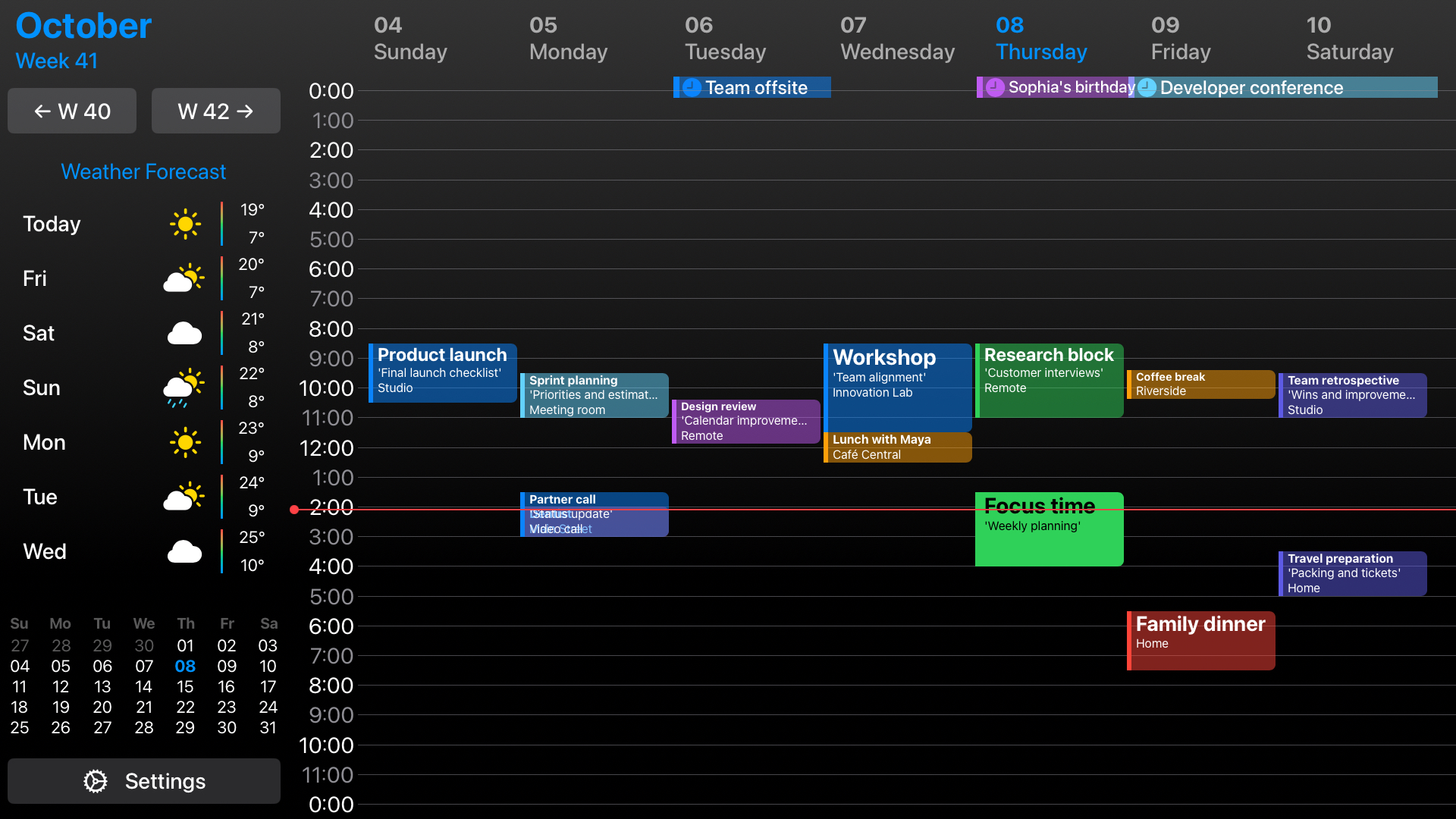
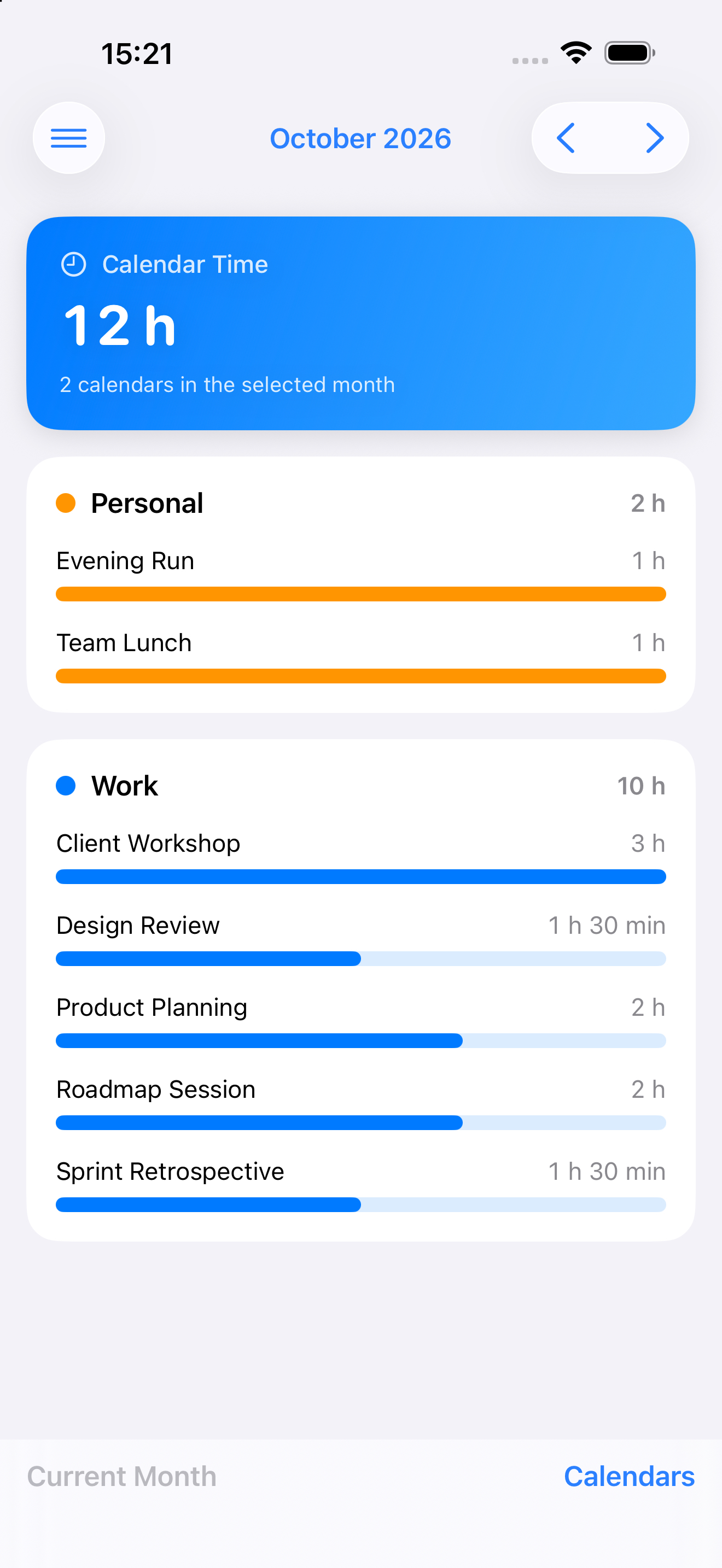
Once your week is planned, additional views help you keep information and routines in one place.
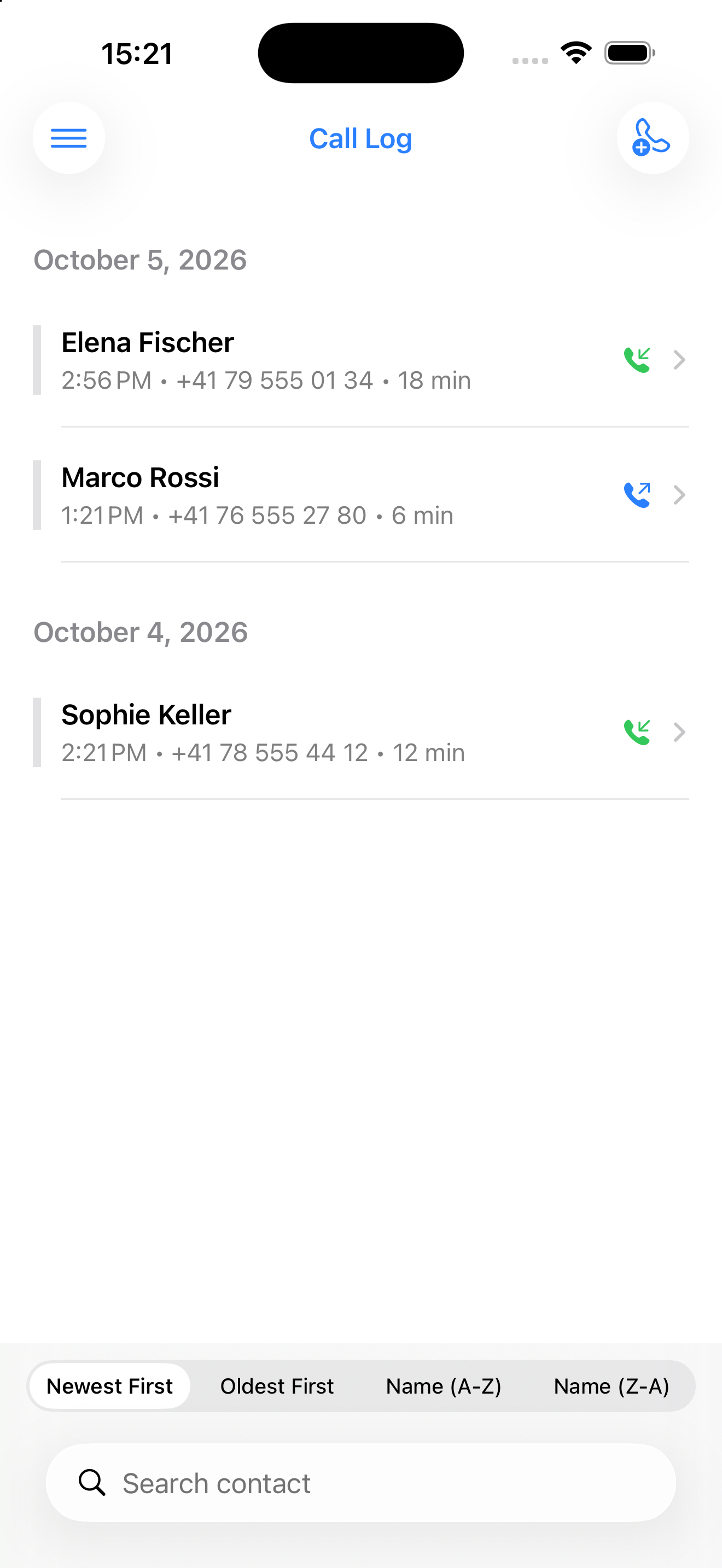
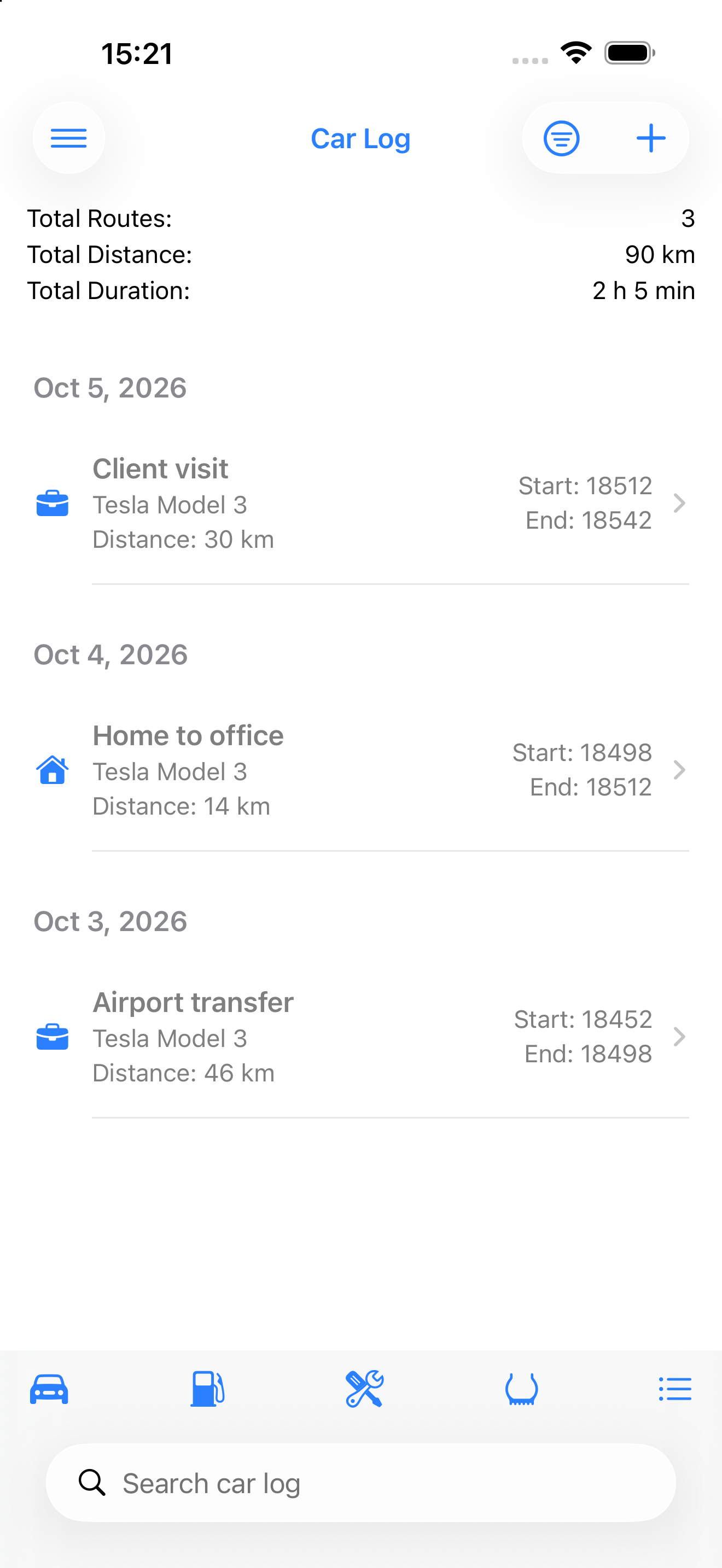
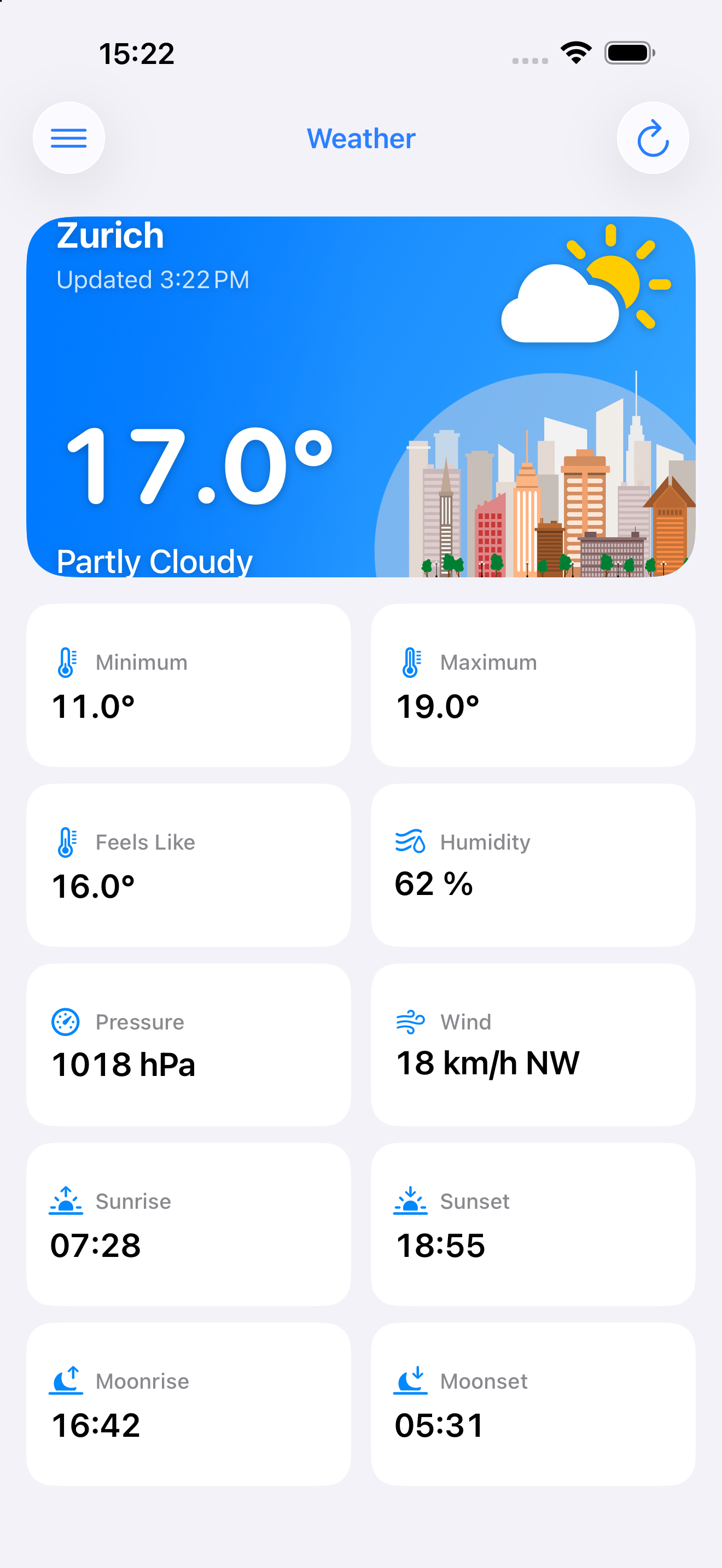
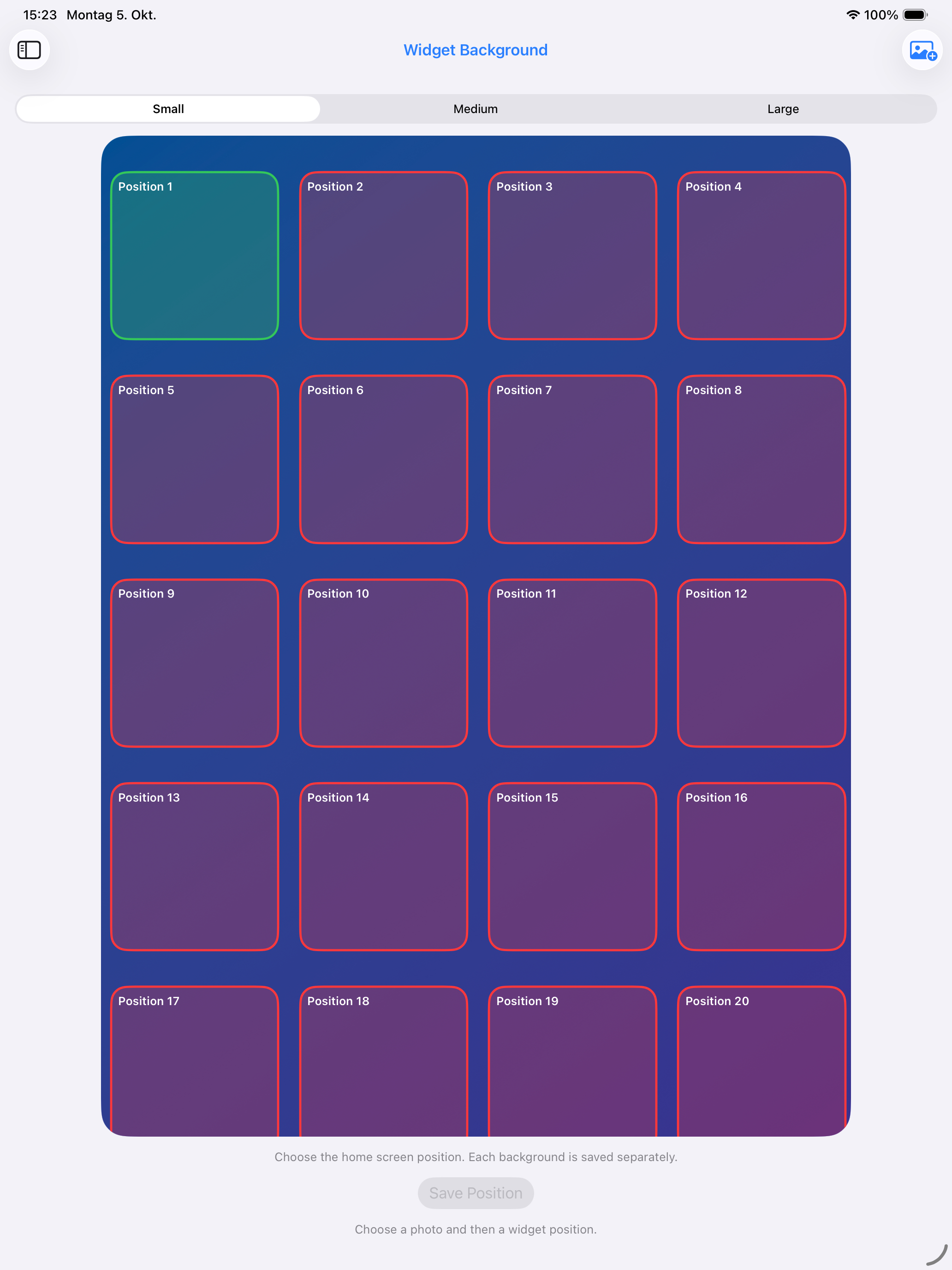
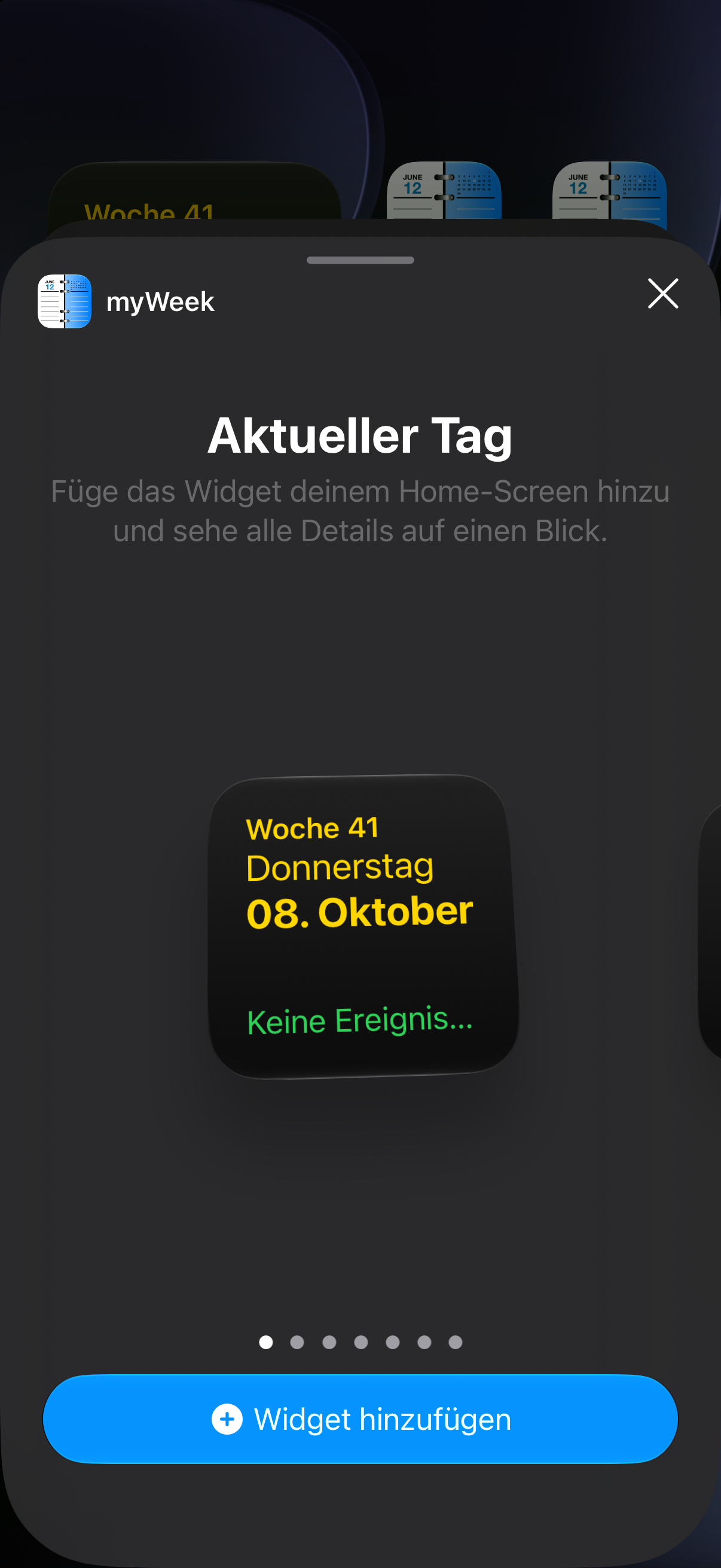
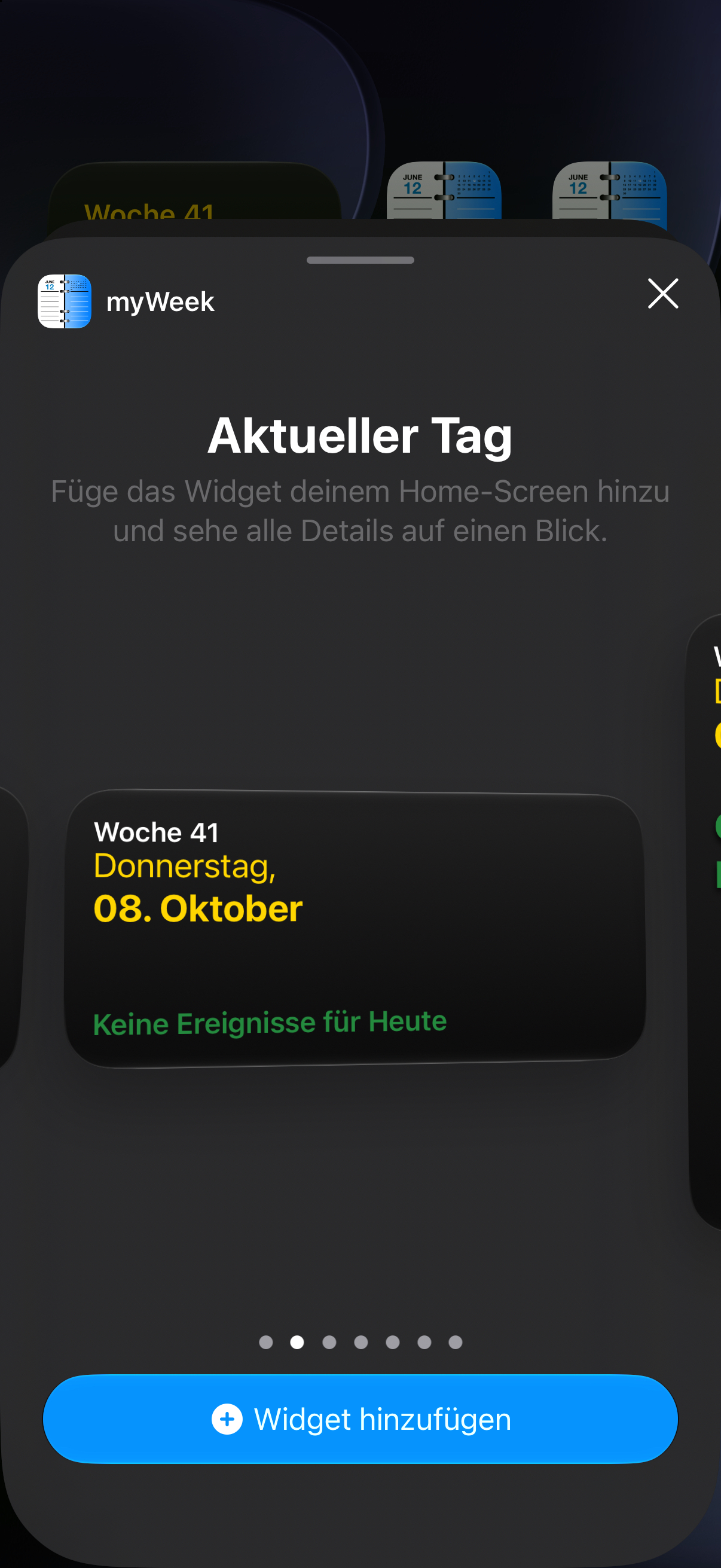
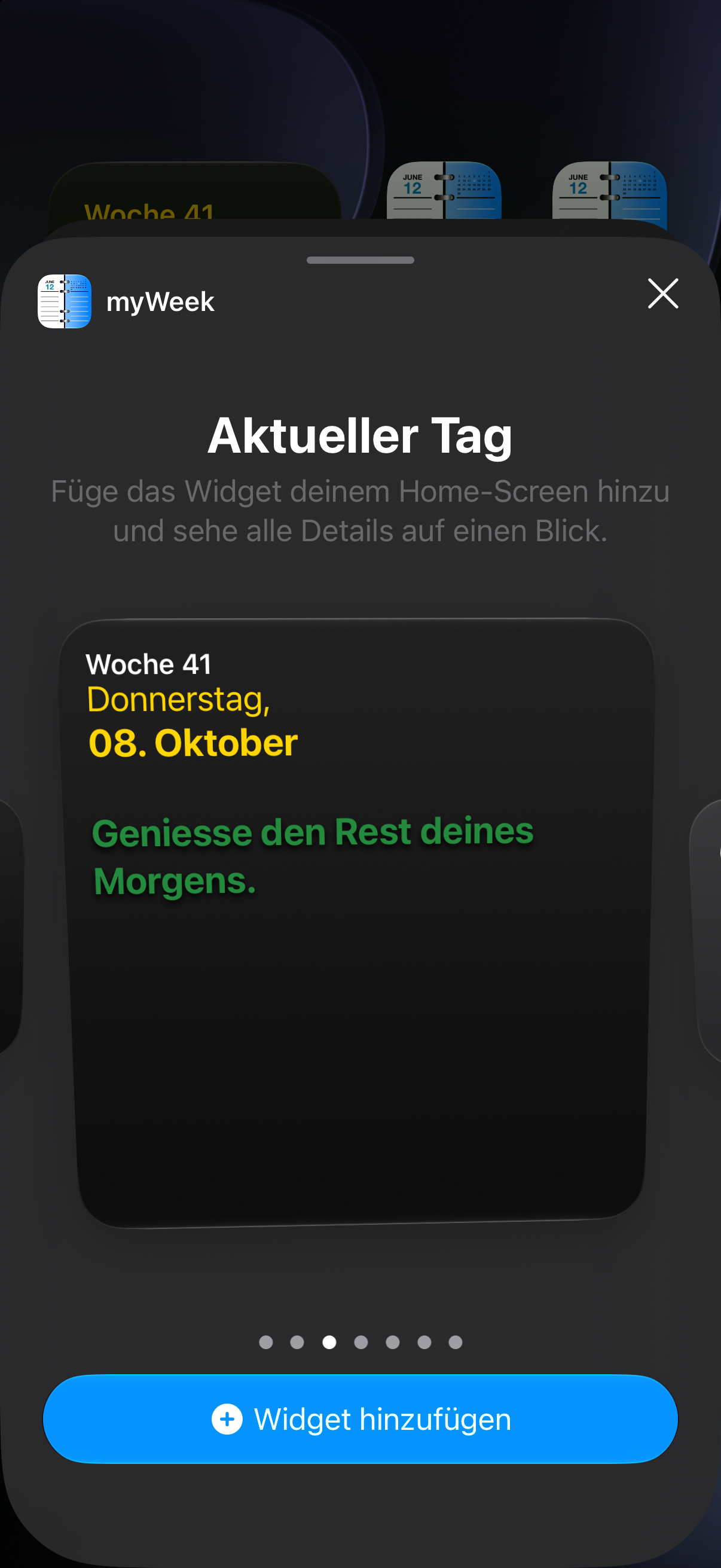
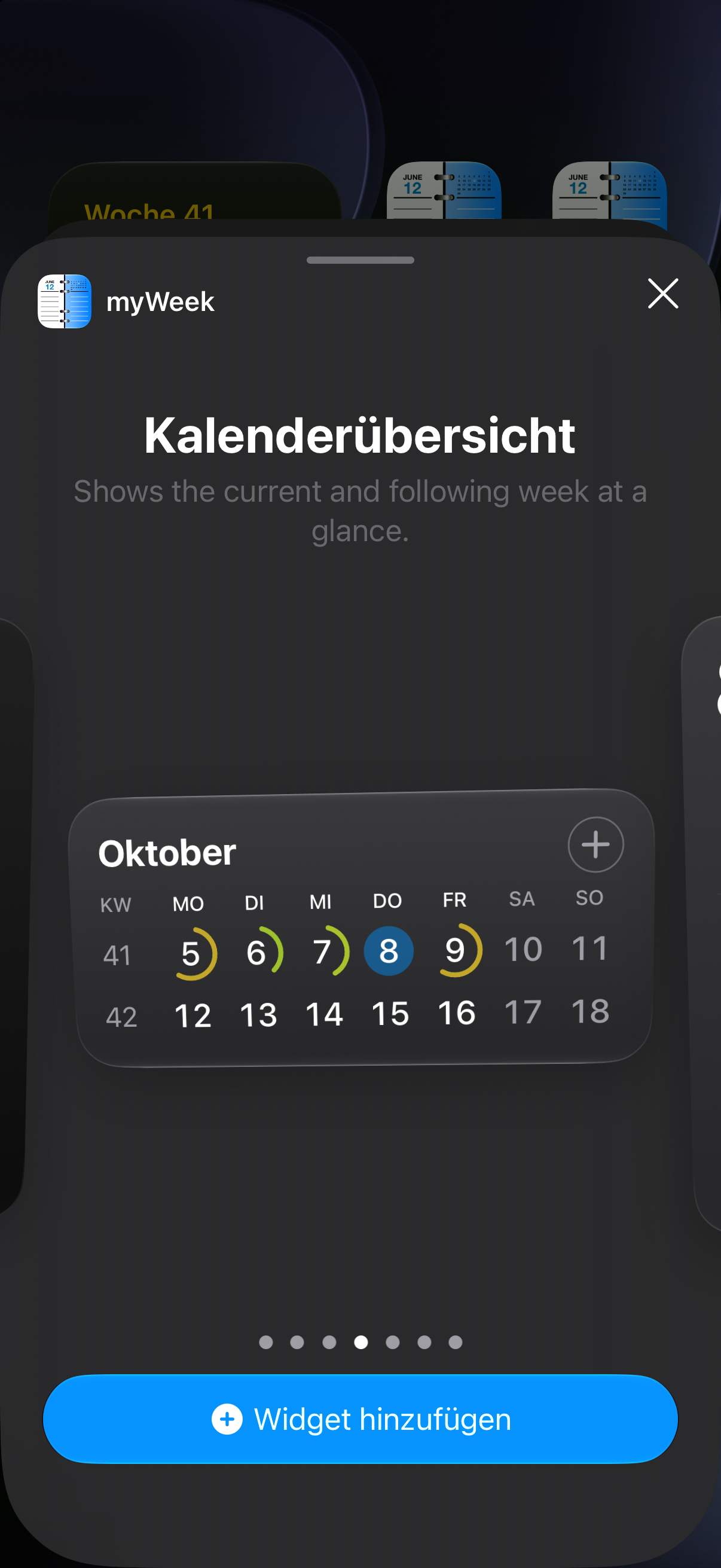
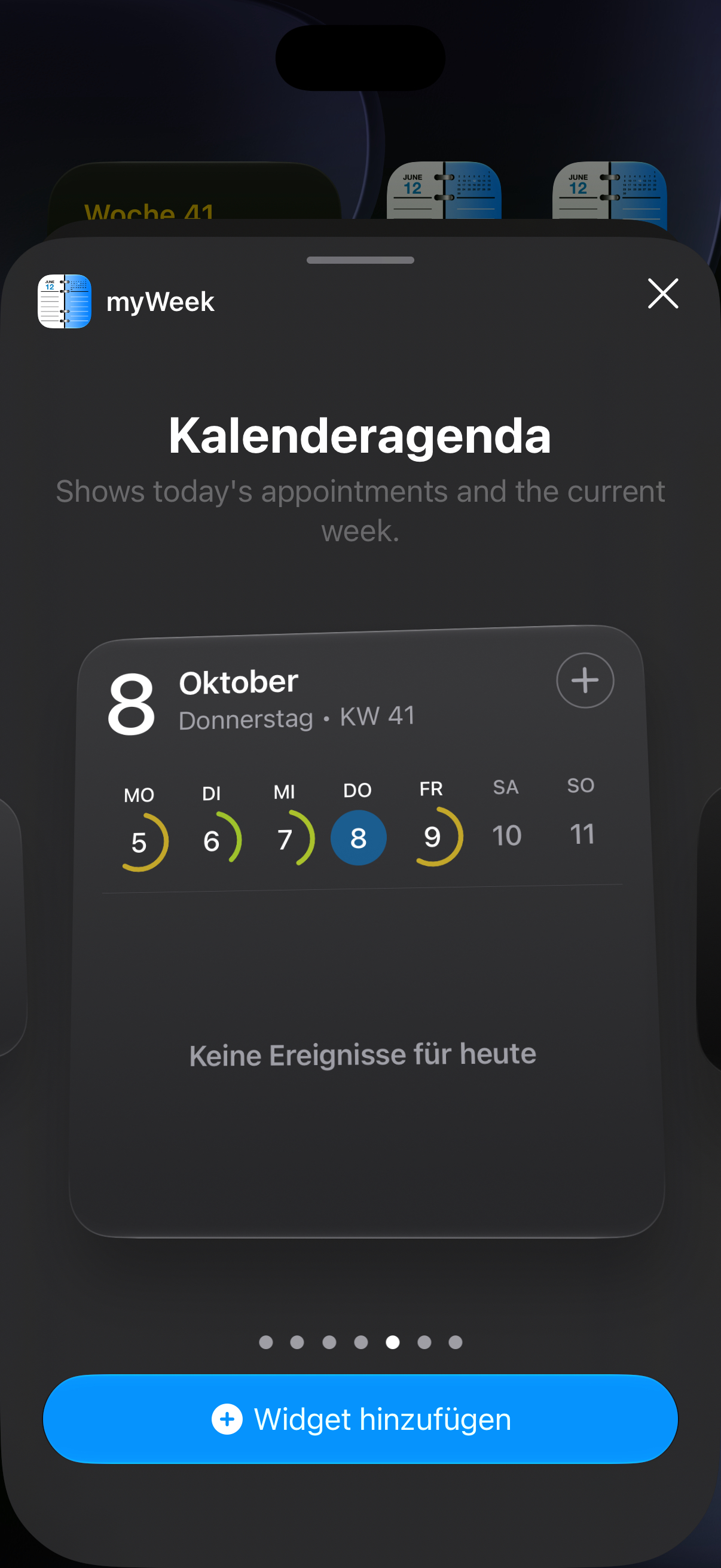
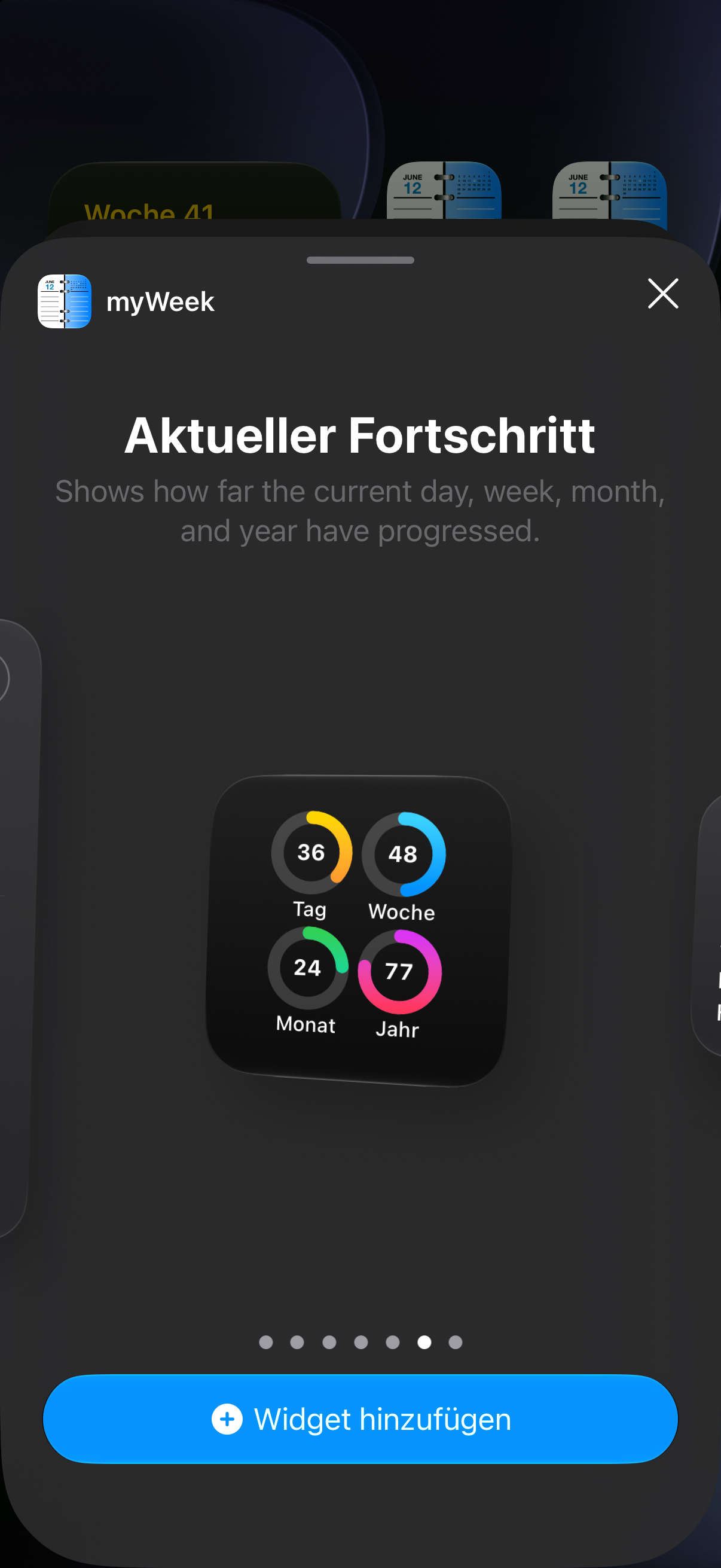
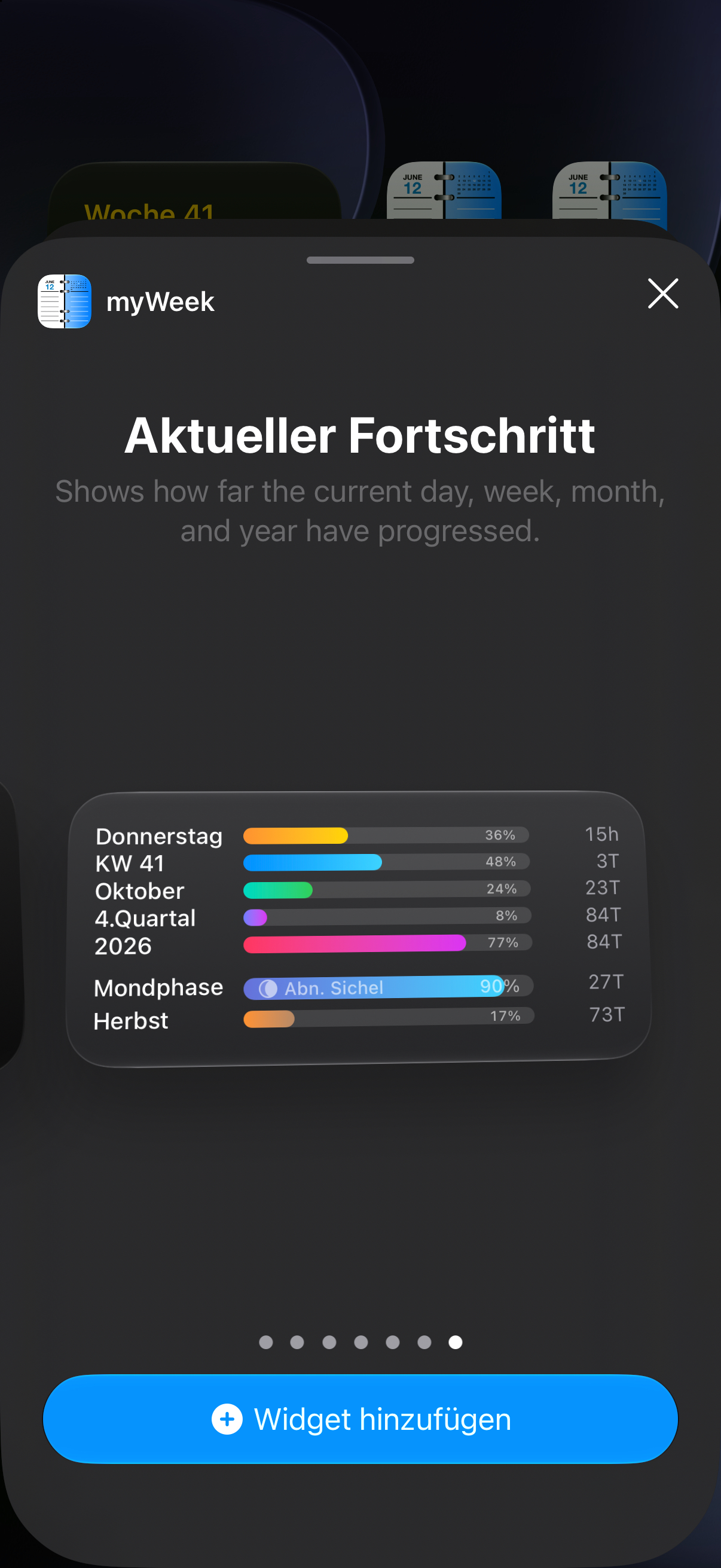
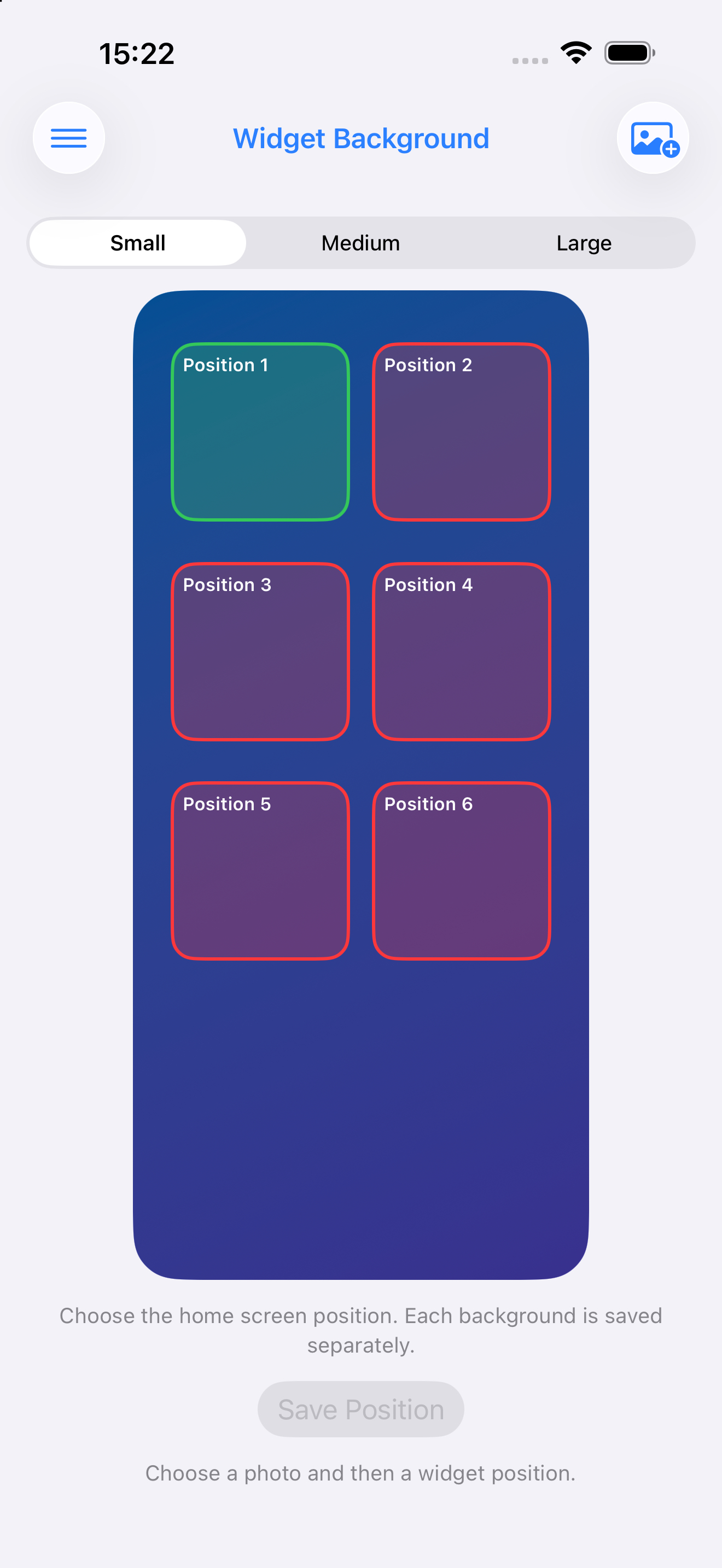
Widgets keep the current day, calendar overview, agenda and progress visible – in several sizes and with a background that suits you.
myWeek brings useful details together with your calendar, so you can find what matters without switching between apps.
Find events by title in a date-sorted list and return quickly to the detail you need.
See birthdays from your contacts, including upcoming dates and ages when that information is available.
Additional modules can be unlocked in the app. Previous purchases can be restored from the purchase screen.
A few essentials before you get started.
Yes. Choose which Apple Calendars myWeek should show, then work with the events and reminders already important to you.
Calendar and reminder access enable planning features. Contacts are only needed for birthdays and contact-based features; location is used where map and weather features need it. You control these permissions in iOS Settings.
Yes. myWeek offers current-day, calendar overview, agenda and progress widgets in several Home Screen sizes.
Yes. If you have updated from an earlier version, use Restore Purchases in the app’s purchase screen.
With your permission, myWeek accesses calendars, reminders, contacts and location so the corresponding features can work on your device. The app builds on your existing Apple data – you decide which access you allow in iOS Settings.
Download myWeek for iPhone and iPad, and bring your calendar, reminders, widgets and everyday tools together.